Quick start
Run Good First Issue to discover open-source projects for contribution.
Learning objectives
By the end of this guide, you will be able to:
- Install and run the Good First Issue CLI.
- Discover issues labelled
good first issue.
Prerequisites
To get started, you will need to install:
- Node.js 14.0.0 or above (to run the CLI).
- npm 7.0.0 or above (for package management).
Installation
Run with npx (recommended)
Run Good First Issue using npx without a global installation:
npx good-first-issue
This command opens up an interactive project selector in the terminal, which allows you to browse projects that have issues labelled good first issue.
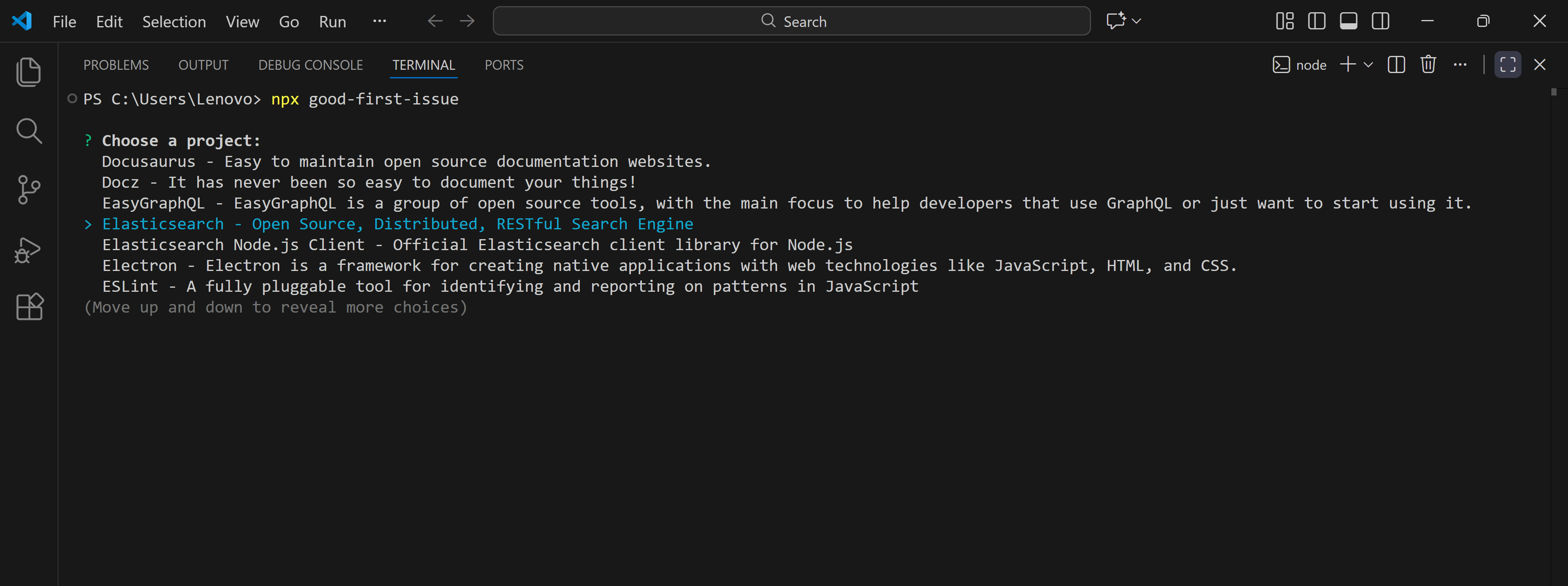
To skip the interactive prompt, you can input a specific project name:
npx good-first-issue [project]
Run with npm:
If you prefer to have the CLI available globally, install it using npm:
npm i -g good-first-issue
Next, run the command directly:
good-first-issue